6 Embroidery Machines Worth Buying in 2026 (and 2 to Skip)
Tired of review sites that praise everything? Here are 6 embroidery machines worth your money in 2026, plus 2 to skip, with real use cases and prices.

Last spring, a customer sent me a photo of a brand new machine still wrapped in plastic. She bought the best home embroidery machine for beginners according to one review site, but her first project was a jacket back, and the hoop was far too small. That email is why this list exists.
Every pick below comes with a real use case, and two machines landed on the skip list. If you want a quick answer on the best embroidery machine for beginners, jump to pick 4. If you came for a Brother SE1900 review, it sits at pick 3. Prices change weekly, so treat the numbers as a starting point.
How We Picked These Machines
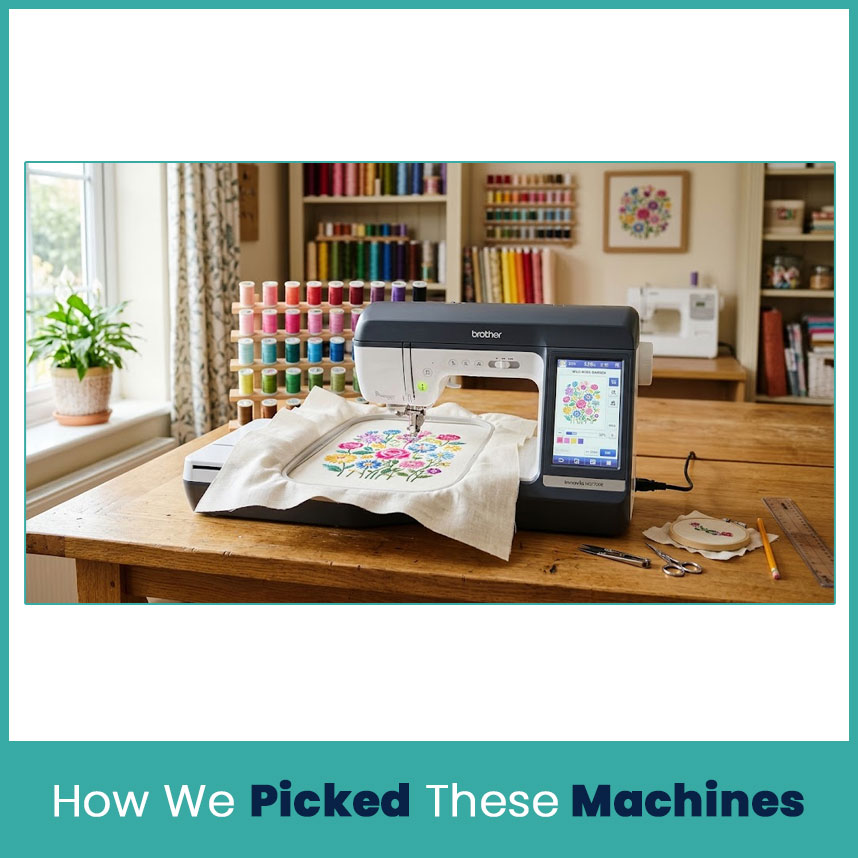
We looked at what a buyer actually uses day to day. Spec sheets matter less than most people think, so we weighed four things that show up in real shops.
Criteria: hoop size, stitch quality, software, and support
Hoop size: the biggest design you can stitch without re-hooping
Stitch quality: clean satin edges and few thread breaks on everyday fabrics
Software: how files reach the machine (USB or wireless), which formats it reads, and what comes in the box
Support: warranty length and how easy it is to reach a dealer or a phone line
Brother lists a 25 year limited warranty and free phone support on the PE800 and SE1900 listings I checked, which counts for a lot when you’re new. Price came last. A fair price on the wrong machine is still a waste.
6 Embroidery Machines Worth Buying in 2026
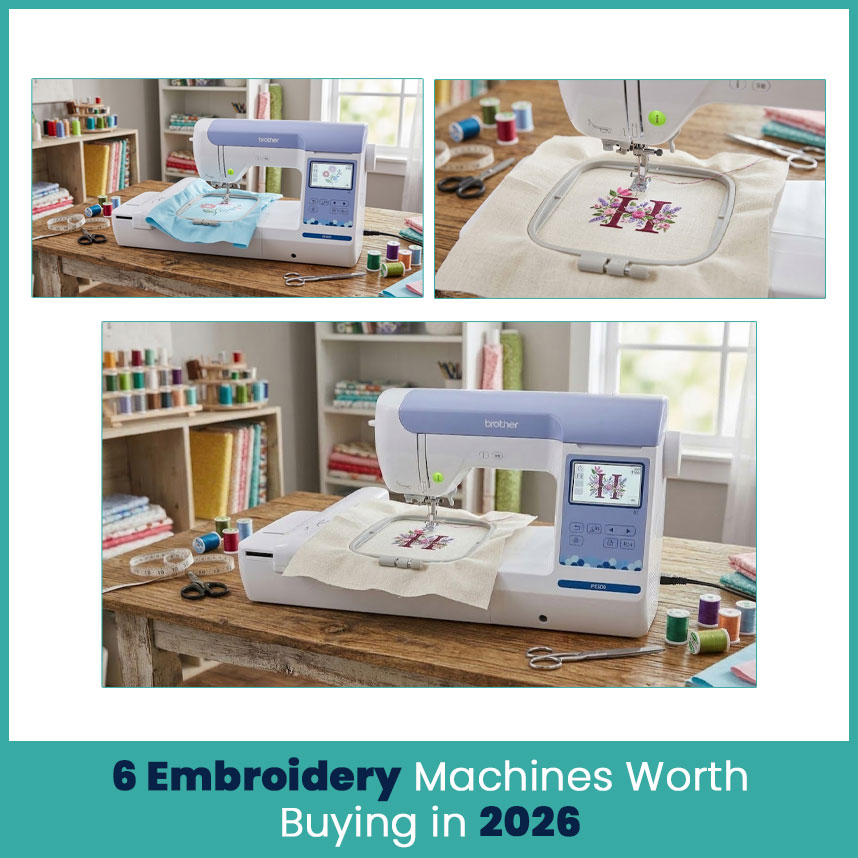
Here are the six, from home use up to small shop use. Each one comes with pros, cons, and the buyer it fits best.
1. Best Overall Embroidery Machine: Brother PE900
The PE900 is the newer version of the PE800. It’s an embroidery only machine with a 5x7 inch hoop and Wi-Fi design transfer. I keep one on my shelf for sample stitch-outs because it threads fast and behaves.
Pros and cons
Pro: 5x7 hoop gives you room for bags, pillows, and patches.
Pro: Wi-Fi transfer skips the USB stick.
Con: no sewing at all.
Con: single needle, so you change colors by hand.
Who it suits best
Hobbyists and gift makers who want room to grow without paying for sewing features.
2. Best Budget Embroidery Machine: Brother PE535
For years the PE535 has been the go-to starter machine. It’s embroidery-only with a 4x4 inch hoop, and it costs less than the bigger models. Check current listings, since prices move.
Pros and cons
Pro: simple controls and a small footprint.
Pro: easy on a tight budget.
Con: 4x4 hoop limits design size.
Con: no sewing.
Who it suits best
Anyone stitching names, monograms, and small florals on gifts.
3. Best Combo Sewing and Embroidery Machine: Brother SE1900
The SE1900 pairs a 5x7 hoop with 240 built-in stitches, 138 designs, and 10 buttonhole styles. Listings I found ran from about $1050 to $1,150. Some buyers report trouble with the automatic needle threader and uneven stitching, so test everything during the return window.
Pros and cons
Pro: sewing and a full-size 5x7 embroidery field in one body.
Pro: USB file loading and a color touchscreen.
Con: steep price for a home machine.
Con: mixed reports on the needle threader.
Who it suits best
Sewers who want embroidery too and have space for only one machine.
4. Best for Beginners: Brother SE700
The SE700 is a combo with a 4x4 hoop, 103 stitches, 135 designs, and a 3.7 inch touchscreen. Wireless transfer makes file loading simple, which matters on day one. This is my pick when someone says they have never touched an embroidery machine.
Pros and cons
Pro: wireless file transfer
Pro: sewing plus embroidery for one purchase
Con: 4x4 hoop limits larger designs
Con: you may outgrow it in a year
Who it suits best
New stitchers who also sew and want a gentle start.
5. Best for Small Businesses: Brother PR680W
The PR680W is Brother’s 6-needle machine, with an 8x12 inch field and a 10.1 inch touchscreen. It has an automatic needle threader, thread trimmer, and laser placement. Pricing ranges widely, from about $8000 up to $13000 depending on the dealer and bundle.
Pros and cons
Pro: six colors load at once, so color changes happen automatically
Pro: much faster than a single-needle machine
Con: big investment
Con: needs more space and a longer learning period
Who it suits best
Home based business with weekly orders that outgrew a single needle machine.
6. Best Multi-Needle Machine: Ricoma EM-1010
The EM-1010 has 10 needles and is rated up to 1200 stitches per minute. Some bundles include a stand, cap attachments, and digitizing software. Listings I found ranged from roughly $9000 to $12,500.
Pros and cons
Pro: 10 needles handle complex logos without rethreading
Pro: cap attachments in many bundles
Con: high price
Con: large footprint
Who it suits best
Shops stitching hats and shirts every week.
2 Embroidery Machines to Skip in 2026
Skip #1 and why
A used Brother PE770. It’s an older model that two newer machines replaced, first the PE800 and then the PE900. Used units come without warranty, and you can’t see wear inside the machine. If the price sits far below a new PE800, test it first. Otherwise, pass.
Skip #2 and why
No-name marketplace machines under about $400. They look like bargains with long feature lists. In my experience, manuals are vague, parts are hard to find, and nobody picks up the phone when tension goes wrong. A beginner needs support more than extra stitch patterns.
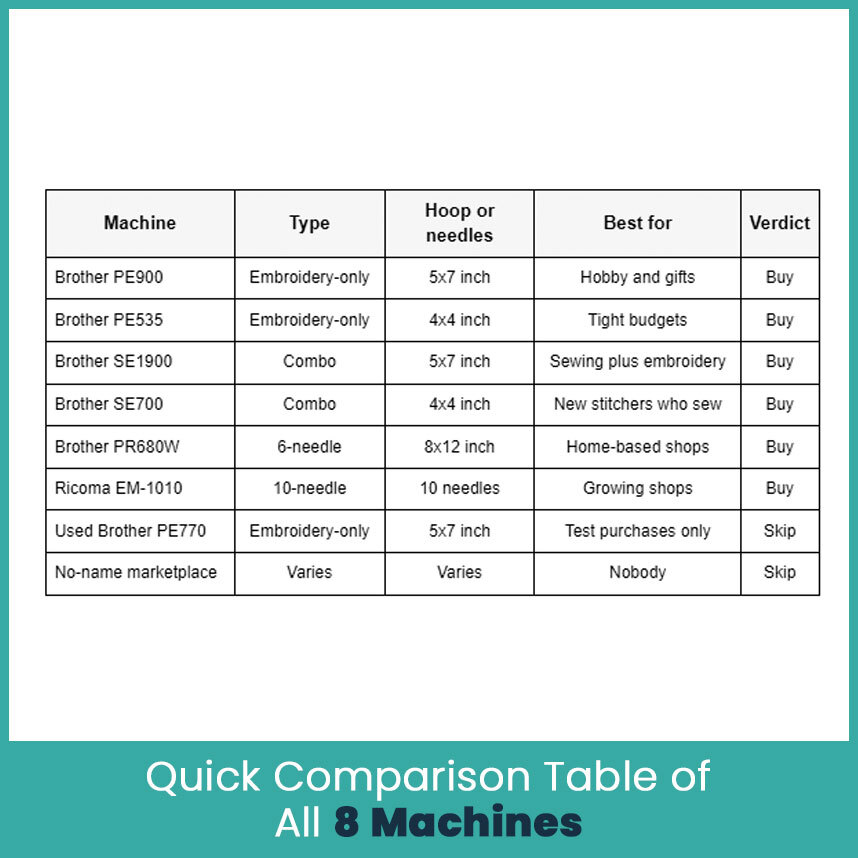
Quick Comparison Table of All 8 Machines
How to Choose the Right Machine for Your Needs
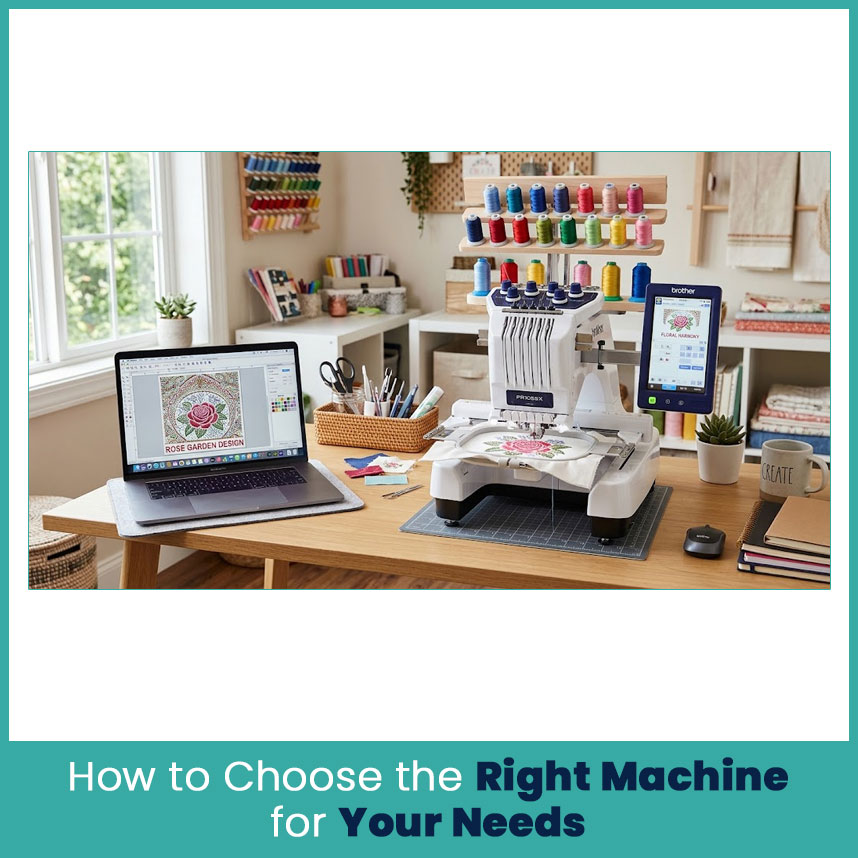
Match the machine to your budget and goal
Write down what you plan to stitch in the first three months. Then match it:
Under $700 and stitching gifts: PE535 or PE900
Sewing and embroidery on one desk: SE700 or SE1900
Taking paid orders weekly: PR680W
Hats and shirts in bulk: EM-1010
Make sure the budget covers stabilizer, thread, and files too. Those bills show up in week one.
Check design compatibility and file formats
Brother home machines read PES files for sure. Commercial machines lean on DST, the format Tajima built, so shop machines read it without trouble. Ask your digitizer for both formats, and check your machine’s manual before you buy.
Also confirm how files move onto the machine. USB works everywhere, and wireless saves time once you stitch daily.
FAQs
1. Which embroidery machine is best for beginners in 2026?
The Brother SE700 if you also sew, or the PE900 if you only want to embroider.
2. Is a multi-needle machine worth it for a small business?
Yes, once orders come in weekly. Automatic color changes save hours.
3. What is the difference between a single-needle and a multi-needle embroidery machine?
A single-needle machine uses one thread at a time, so you change colors by hand. A multi-needle machine holds several colors and switches on its own.
4. What should I check before buying an embroidery machine online?
Check the real stitch area, file formats, warranty, return policy, and whether the seller is an authorized dealer.
Author Bio
Matthew Davis
Senior Embroidery Digitizer
I'm Matthew Davis, a skilled embroidery digitizer with more than 15 years of practical experience. I specialize in logo digitizing, 3D puff embroidery designs, applique digitizing, custom embroidery digitizing, and working with difficult fabrics. Over the years, I have worked with different fashion brands and production teams worldwide. I always share simple tips and useful techniques to help both beginners and businesses improve their embroidery work.
Signal Desk briefing
Get occasional GEO and citation briefings from Signal Desk. We send when there’s a useful dispatch — not every post.