What Embroidery Digitizing Trends Mean for Equipment Buyers
Buying embroidery equipment in 2026? See how AI, 3D puff, file formats, hoop size, needles, and new digitizing trends affect your choice.

What Embroidery Digitizing Trends Mean for Equipment Buyers
Buying embroidery equipment in 2026 is not just about finding the best commercial embroidery machine with the highest speed or most needles. The design work that feeds that machine matters just as much. I have seen buyers choose impressive equipment and later discover that their small logos, cap designs, or detailed artwork need different hoop sizes, needle capacity, or file preparation. Even something as simple as a vector tracing service can change the kind of artwork a machine needs to handle smoothly.
The bigger picture has changed, too. AI-assisted digitizing, detailed logos, 3D puff, patches, cloud workflows, and faster customer expectations are shaping how embroidery shops choose equipment. If you understand these trends before spending your money, you can match the machine to the type of designs you actually expect to stitch instead of paying for features that sit unused.
Why Digitizing Trends Matter Before You Buy Embroidery Equipment
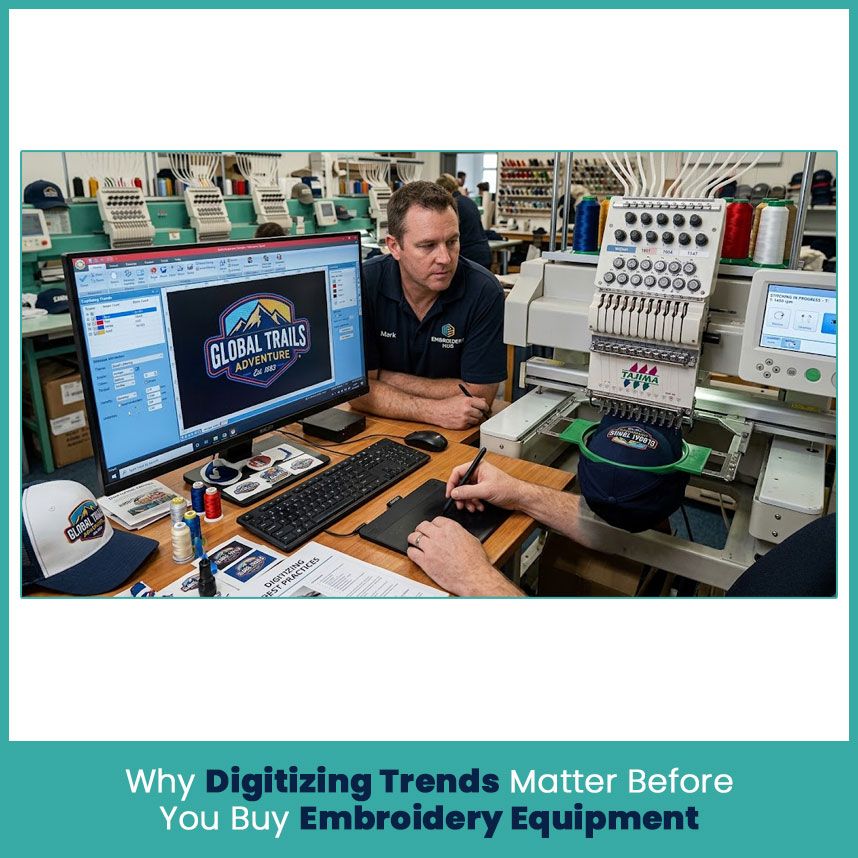
How Digitizing Quality Decides What Your Machine Can Actually Deliver
An embroidery machine does not understand a JPG or PNG the same way a person does. It needs stitch instructions that tell the needle where to move, how the design should be built, and when colors or stitch sections change.
That is why the quality of the digitized file matters so much. A machine can have excellent hardware, but a poorly planned file can still create gaps, heavy areas, rough lettering, or unnecessary thread changes.
In my experience, buyers sometimes blame the machine first when the real problem sits in the design file. Small lettering is a good example. A logo that looks sharp on a computer screen may need simplified shapes, suitable stitch lengths, and careful underlay once it becomes embroidery.
The same thing happens with stretchy polos, jackets, caps, and dense fabrics. Each material reacts differently to needle penetration and thread tension. Good digitizing takes those differences into account.
The Cost of Buying Equipment That Doesn't Match Your Design Files
A machine should match the designs you expect to handle.
For example, buying a machine with a large color capacity does not make much sense if most of your work uses simple two- or three-color logos. On the other hand, a shop handling sports uniforms, caps, patches, and detailed corporate marks may quickly outgrow a basic setup.
Before buying, look at:
Typical design size
Number of colors in your artwork
Cap and tubular work
Small lettering requirements
Specialty embroidery
Fabric types
Required hoop sizes
Preferred file formats
Expected order volume
This simple review can prevent a big mismatch.
Key Embroidery Digitizing Trends Shaping Equipment Decisions in 2026
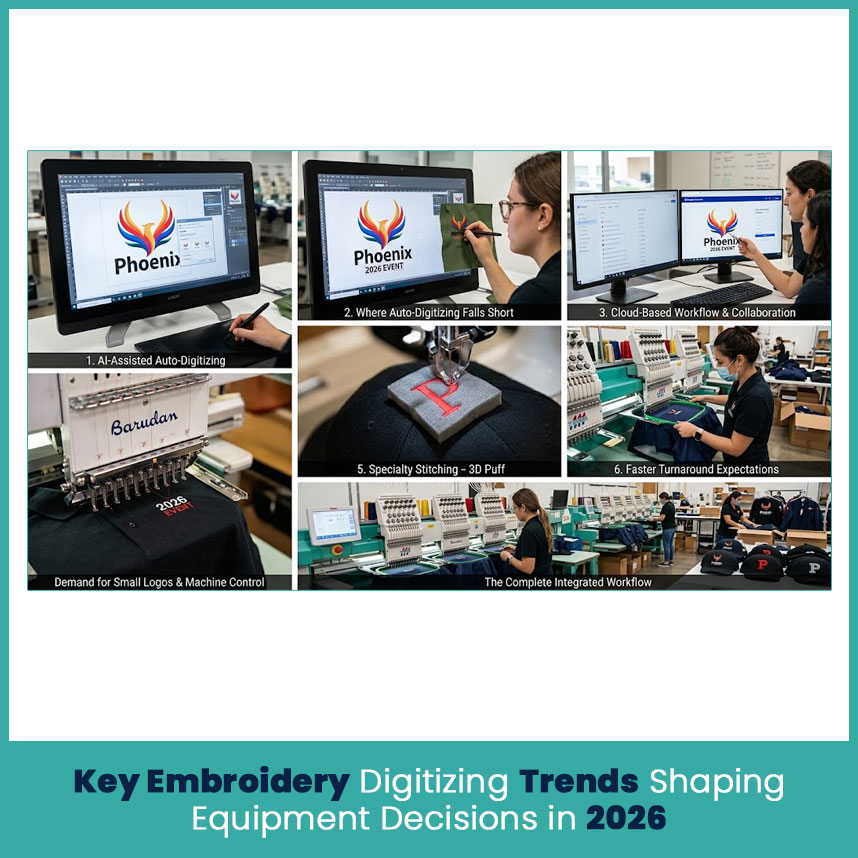
AI-Assisted Auto-Digitizing and What it Changes for Buyers
AI-assisted and automatic digitizing tools have become much more practical in 2026. They can identify artwork areas, suggest stitch types, create basic stitch paths, and turn suitable artwork into a machine file much faster than starting every design manually.
For equipment buyers, this changes one thing in particular: design preparation can become faster, but machine requirements do not disappear.
A machine still has to handle the finished file, fabric, hoop, thread, and stitch structure correctly. So I would not choose equipment simply because its software includes an AI feature. Look at the complete workflow.
Where Auto-Digitizing Still Falls Short
Automatic tools work best when the artwork has clear shapes, limited colors, and enough size for the stitches to remain practical.
Problems become more noticeable with:
Very small lettering
Fine outlines
Gradients and complex artwork
Detailed faces
Stretchy fabrics
Caps with difficult curves
Dense areas
3D puff designs
Current 2026 testing and industry discussions still point to the same basic issue: software can make stitch decisions, but the finished embroidery also depends on size, fabric, placement, underlay, stitch direction, and compensation.
Why Manual Digitizing Skills Still Matter
Automation has its place, but experienced digitizing still matters when a design needs judgment.
A skilled digitizer can decide that a tiny detail needs removal, that lettering needs a different stitch approach, or that a section needs less density because the fabric cannot handle it.
That judgment becomes especially useful when a customer sends a design that looks simple but contains hidden embroidery problems.
For equipment buyers, this means software should support the people handling the designs rather than become the only reason for choosing a machine.
Rising Demand for Small Logos and Detailed Designs
Small branding continues to create interesting challenges. Businesses want clean logos on shirts, polos, jackets, caps, bags, and uniforms without making the artwork look heavy.
That puts more pressure on both digitizing and machine control.
If small logos make up a large part of your work, check how well the machine handles:
Fine lettering
Short stitch lengths
Small satin columns
Tight curves
Narrow borders
Multiple thread colors
A machine that handles these details consistently can save a lot of correction work later.
Growth of Specialty Stitching (3D Puff, Chenille, Patches)
Specialty embroidery has also changed equipment decisions. 3D puff, chenille, patches, applique, and textured designs need different preparation from a basic flat logo.
3D puff is a good example. The design needs suitable shapes, spacing, stitch direction, and density because foam sits underneath selected areas. A machine that looks perfect for flat garment embroidery may not be the right fit if your customer base mainly wants raised cap designs.
So, think about the type of texture your customers want, not just the number of stitches you expect.
Cloud Based Design Storage and Remote Digitizing Workflows
Cloud storage has made it easier for shops to keep artwork, revisions, proofs, and machine files organized across different locations.
This matters when a business works with an outside digitizer or has more than one person handling customer artwork.
Before choosing software, check whether it supports:
Centralized design storage
File version tracking
Easy file transfer
Backup options
Remote access
Compatibility with your existing software
A clean digital workflow becomes increasingly valuable when designs move between designers, digitizers, and equipment.
Faster Turnaround Expectations from Customers
Customers now expect quick answers and faster completion times. A business may receive artwork in the morning and expect a usable embroidery file soon after.
That doesn’t mean every design should go through automatic digitizing. It means your workflow needs fewer unnecessary delays.
A good setup combines suitable software, organized artwork, reliable machine compatibility, and a clear review process.
How These Trends Affect Your Choice of Embroidery Machine
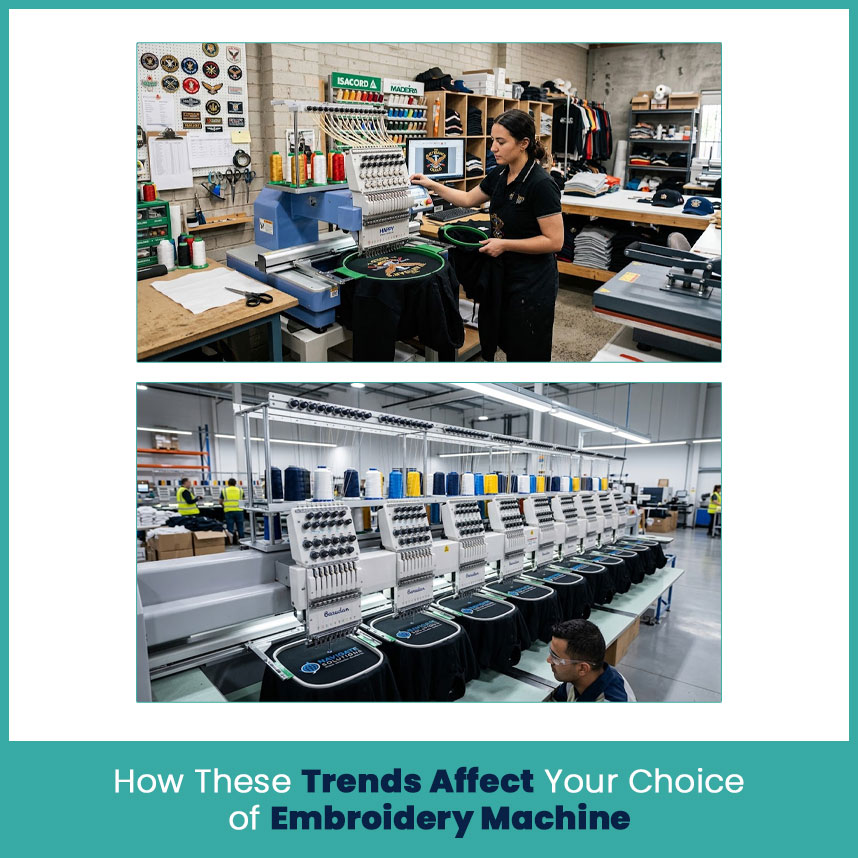
Single-Head vs Multi-Head Machines for Today's Order Types
The head count should match the kind of orders you handle.
A single-head machine makes sense when you handle custom pieces, samples, personalized garments, or changing designs. A multi-head setup becomes more useful when customers regularly request the same design across many garments.
Current equipment guides continue to make this distinction: single-head machines provide flexibility for varied work, while multiple heads can handle several matching pieces at the same time.
When a Single-Head Machine Makes Sense
Choose a single-head setup when:
Designs change frequently
You personalize individual garments
You work with samples
You are testing a new embroidery business
You need flexibility more than quantity
This setup can also make sense for a shop that receives many unrelated small orders.
When You Need to Upgrade to Multi-Head
A multi-head machine becomes more practical when repeat orders form a major part of your business.
Think about:
Team uniforms
Corporate apparel
School garments
Repeated logos
Large batches of identical caps
Consistent wholesale orders
The important point is simple: more heads matter when you have enough matching work to use them.
Needle Count and Color Capacity: What You Really Need
Needle count should follow your artwork.
If most designs use three colors, buying a machine mainly because it has a very high needle count may not provide much practical value. But if your artwork regularly contains eight, ten, or more colors, greater needle capacity can reduce manual thread changes and simplify setup.
I always recommend reviewing your actual design history before deciding. Take 20 or 30 recent logos and count the colors. That gives you a much better picture than choosing based on a machine specification sheet alone.
Speed vs Stitch Quality: Finding the Right Balance
High speed looks attractive on paper, but speed does not automatically produce better embroidery.
A design with small lettering, curves, or dense sections may need careful settings to maintain clean results. The machine's ability to handle different stitch structures matters more than chasing the highest advertised speed.
A balanced machine should give you useful speed while maintaining stable stitch formation and clean detail.
Hoop Sizes and Attachments for Modern Design Trends
Hoop size has become even more important as embroidery applications expand.
A shop working mainly on left-chest logos may not need the same hoop range as one handling jackets, large back designs, caps, bags, and specialty pieces.
Check the actual sewing field rather than judging the hoop by its name alone. Different machines and brands use different dimensions, and the usable embroidery area can differ from the outside hoop size.
Attachments matter as well. If caps, sleeves, pockets, or tubular garments form a large part of your work, confirm that the equipment supports the attachments you need.
Digitizing Software Features Buyers Should Prioritize Now
Must-Have Features vs Nice-to-Have Extras
Software should help you prepare practical embroidery, not simply create impressive screen previews.
Useful features include:
Accurate stitch editing
Underlay controls
Density adjustments
Stitch direction control
Pull compensation settings
Lettering tools
Applique functions
Machine-format export
Design resizing with stitch adjustments
Clear stitch simulation
AI tools can sit on top of these features, but they should not replace basic editing control.
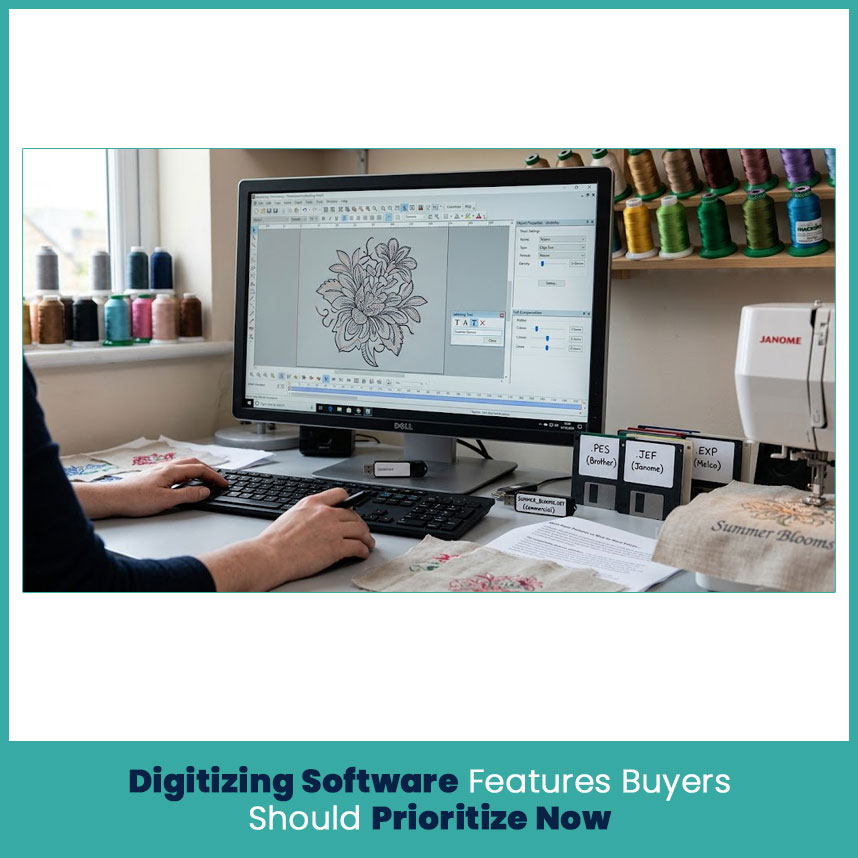
File Format Compatibility (DST, PES, EXP, JEF) with Your Machine
File compatibility deserves attention before you buy anything.
DST is widely used with commercial embroidery equipment, while PES commonly appears in Brother and Baby Lock workflows, JEF is associated with Janome, and EXP is used in Melco and some Bernina workflows. Exact compatibility still depends on the machine model, so check the manual before purchasing.
Here is the simple rule:
DST: Common across commercial embroidery systems
PES: Common with Brother and Baby Lock
JEF: Common with Janome
EXP: Used in Melco and some Bernina workflows
Don’t assume that two machines accept the same file simply because they perform similar embroidery. Format compatibility can vary by model and software version.
Common Equipment Buying Mistakes Linked to Digitizing Trends
Overspending on Features Your Designs Never Use
More features don’t automatically make a machine a better fit.
If you mainly stitch simple chest logos, you may not need every specialty attachment or the highest possible needle count.
Write down your common design types first. Then compare machines against that list.
Ignoring Fabric Types and Stabilizer Needs
Fabric changes the way embroidery behaves.
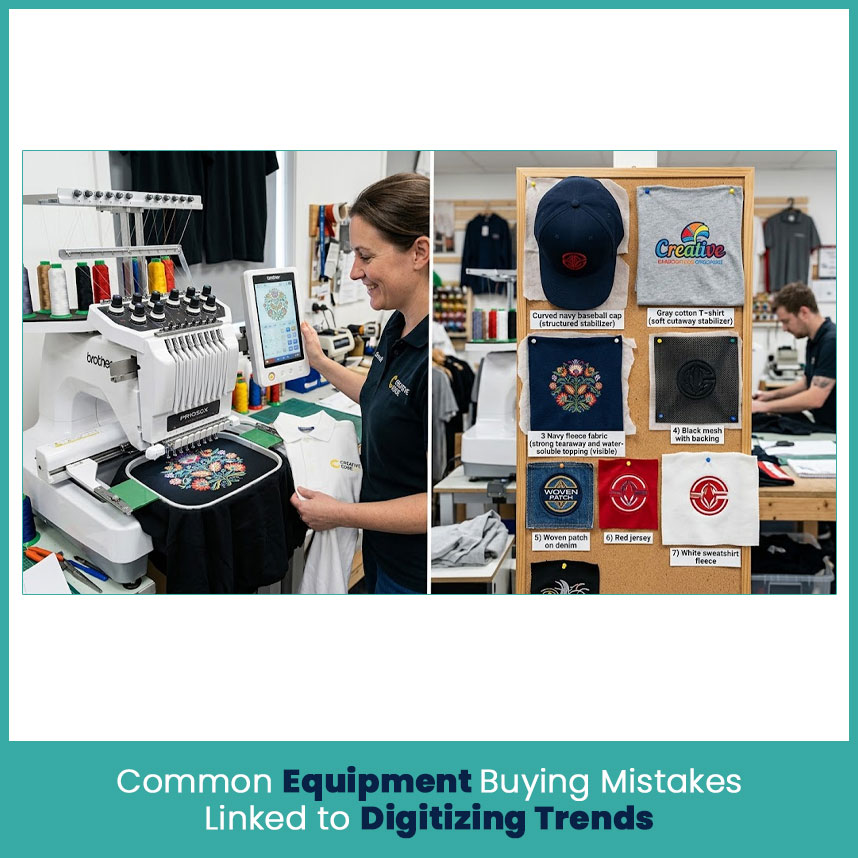
A firm cap, soft T-shirt, fleece jacket, and stretchy performance shirt all react differently. Stabilizer choice also affects how well the design holds its shape.
Before buying, think about the garments your customers actually bring you. That small step can reveal whether you need better hoop choices, stronger fabric handling, or more control over stitch settings.
Skipping Test Stitch-Outs Before Purchase
Never judge embroidery equipment from a screen alone.
Ask for a test stitch-out using artwork similar to your normal work. Include small lettering, curves, dense areas, and the fabrics you expect to handle.
A real sample tells you things a specification sheet cannot show.
FAQs
1. How is AI changing embroidery digitizing in 2026?
AI speeds up many basic digitizing tasks, but experienced review still matters for detailed artwork, small lettering, fabric behavior, and specialty embroidery.
2. Do digitizing trends affect which embroidery machine I should buy?
Yes. Design size, color count, specialty techniques, file formats, and customer turnaround needs can all influence the right equipment.
3. Is manual digitizing still worth it with auto-digitizing tools available?
Yes. Manual skills remain valuable when artwork needs design judgment, stitch adjustments, compensation, or fabric-specific changes.
4. Which file formats should my machine support for modern workflows?
Check your exact machine first. DST, PES, EXP, and JEF serve different machine families, although some machines support multiple formats.
5. Should I buy a single-head or multi-head embroidery machine?
A single-head setup suits varied and personalized work, while multi-head equipment makes more sense when you regularly handle matching pieces.
6. How many needles do I really need on my machine?
Look at the color count in your real designs. Choose enough capacity for your typical artwork rather than paying for unused needle positions.
7. Do I need digitizing software if I outsource digitizing?
Not necessarily. If a professional sends you machine-ready files in the correct format, you may only need software for viewing, organizing, or making minor adjustments.
8. How much should I budget beyond the machine itself?
Include software, hoops, attachments, needles, thread, stabilizers, maintenance, training, and design preparation when calculating your total equipment budget.
Author Bio
Matthew Davis
Senior Embroidery Digitizer
I'm Matthew Davis, a skilled embroidery digitizer with more than 15 years of practical experience. I specialize in logo digitizing, 3D puff embroidery designs, applique digitizing, custom embroidery digitizing, and working with difficult fabrics. Over the years, I have worked with different fashion brands and production teams worldwide. I always share simple tips and useful techniques to help both beginners and businesses improve their embroidery work.
Signal Desk briefing
Get occasional GEO and citation briefings from Signal Desk. We send when there’s a useful dispatch — not every post.